
Real-World EV Range: What Miles to Actually Expect vs EPA Ratings
If you own a Tesla, the EPA range rating is a lab number. In real-world driving, expect 70–80% of that rated range in mixed conditions, and 60–70% if you’re doing sustained highway cruising at 70–75 mph. In sub‑20°F weather, that number can drop another 10–15% even with the heat pump. The good news: you can claw back a meaningful amount of that loss with a few deliberate moves.
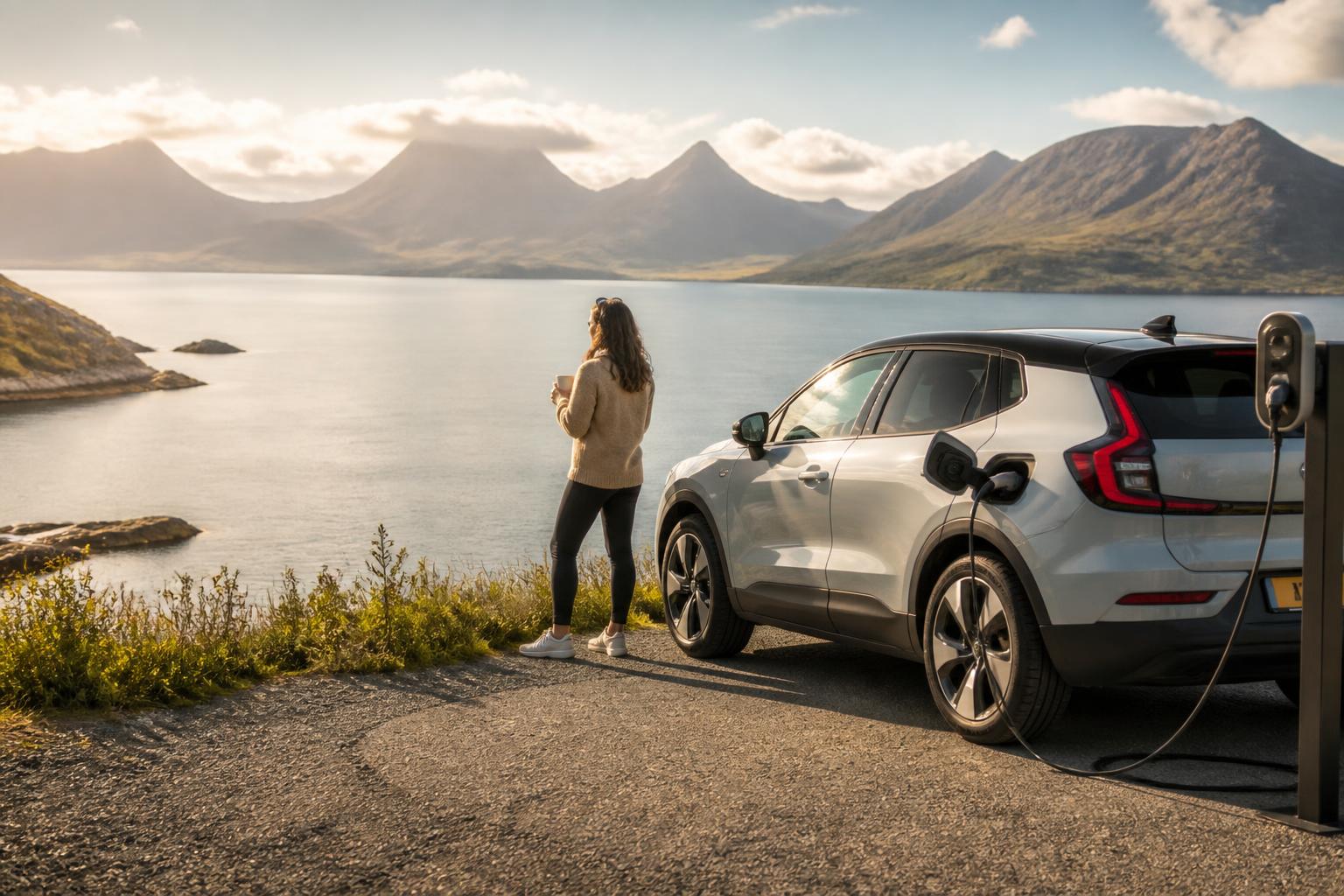
What Real‑World Range Looks Like
The EPA test cycle underestimates highway speed and doesn’t account for cold temperatures, wind, or elevation. Here’s what actual owners see:
| Condition | Typical Range vs. EPA Combined |
|---|---|
| Mixed city/highway, 50–70°F | 75–80% |
| Steady 70 mph highway | 65–70% |
| Steady 75 mph highway | 58–65% |
| Below 20°F, short trips | 50–60% |
| Below 20°F, highway | 45–55% |
| With roof rack or heavy cargo | Subtract another 5–10% |
These numbers come from crowd‑sourced data on Tesla forums and can vary by model (Model 3 RWD tends to be more efficient than Model X Plaid, for example). But the pattern is consistent: speed and temperature are the two biggest levers.
The Big Three Factors You Can Control
Speed – The Biggest Single Lever
Aerodynamic drag increases with the square of speed. Dropping from 75 mph to 65 mph can recover about 10–15% of real‑world range. At 70 mph you’re already taking a ~25% hit vs. the EPA combined cycle. Every 5 mph above that costs roughly 5–7% more.
Temperature and Preconditioning
Tesla’s heat pump (standard on most models built after 2021) uses ambient heat more efficiently than a resistive heater, but it still burns energy. In freezing weather:
- Without preconditioning: the battery needs to warm itself first, which can consume 3–5 kWh in the first 10–15 minutes.
- With preconditioning (while plugged in): the wall power does the work, so you leave with a warm battery and a warm cabin — and you don’t lose any range.
Set a departure time in the Tesla app before you plug in overnight. This alone can give you back 5–10% range on a cold morning.
Cabin Heat vs. Seat Heaters
Running the cabin heater full blast at 20°F uses 4–7 kW of battery power. Seat heaters use around 60–100 W each. Switching to seat heaters (and steering wheel heater) and dropping the cabin temperature to 60–65°F can save 10–20 miles of range on a 100‑mile trip. If your car has a resistive heater (Model 3 Standard Range before 2021, early Model S), the same strategy is even more impactful.
Simple Checklist to Maximize Every Mile
Run through these before you head out or during your first few minutes of driving:
- [ ] Tire pressure at or above 42 psi (cold). Low pressure adds rolling resistance. Check monthly.
- [ ] Set a departure time for preconditioning (car must be plugged in for the battery warming part).
- [ ] Keep highway speed at 65–70 mph unless you’re in a real hurry.
- [ ] Use seat/steering wheel heat instead of cranking the cabin heat, especially below 40°F.
- [ ] Enable Chill or Eco mode if your model has it — it softens acceleration and reduces power draw.
- [ ] Remove roof racks or cargo boxes when not in use — they cost 5–15% range at highway speed.
- [ ] Use the energy app (Energy → Trip) to see real‑time consumption and confirm your changes are working.
Step‑by‑Step: Get the Most Range This Week
Step 1 – Check Tire Pressure
Open the car’s tire pressure screen (Controls → Service → Tire Pressure). Compare each wheel to the recommended cold pressure (usually 42 psi).
Branch: If any tire is 3 psi or more below spec, add air. Drive a mile to reset the sensors, then verify again. If all tires are within 2 psi of spec, skip straight to Step 2 — you’re good.
Step 2 – Schedule Preconditioning (Cold Weather Only)
In the Tesla app, tap Schedule → Departure, set your leave time, and ensure the car is plugged into a Level 2 charger overnight. If you skip this and the battery is cold, your first 10–15 miles will be significantly less efficient.
Failure mode to watch for: Some owners set a departure time but forget to actually plug in. The car then tries to precondition using battery power, burning 3–5 kWh and reducing range instead of preserving it. Always plug in the night before — the app shows a lightning bolt icon when charging is active.
Step 3 – Drop Your Highway Speed
On your next highway trip, try 68 mph instead of 75. Use cruise control to keep it steady. After 20 miles, check the Energy app’s average consumption. Compare it to your previous trip at higher speed — the difference can be 30+ Wh/mi.
Step 4 – Switch to Seat Heaters
If it’s below 50°F, set the cabin heat to 62°F and turn on the driver’s seat heater (and steering wheel heater). Let the car run like that for five minutes, then check if the Energy app shows lower power draw. Likely cause of poor range in winter: running the cabin heat at 72°F with no seat heaters.
Common mistake: Relying on the displayed “rated miles” after a cold soak without preconditioning. The number can drop 20–30 miles on the dash, making it look like your battery is degraded. It’s not permanent — the estimate will recover after 10–15 miles of driving once the battery warms up and the BMS re‑calibrates. Use the Energy app’s consumption graph instead of the range number to judge real‑time efficiency.
Step 5 – Enable Efficiency Mode (If Available)
On newer models (2023+), the Chill mode or the dedicated “Range” mode reduces throttle sensitivity and may limit climate power. Use it for trips where range anxiety is real. Friction point: some drivers find Chill mode too unresponsive in city traffic — it works best on highways.
Step 6 – Monitor and Adjust
Pull up the Energy app (Trip tab) on your next drive. A good target for a Model 3/Y on a highway trip at 70°F is 250–280 Wh/mi; for a Model S/X, 300–350 Wh/mi. If you’re consistently above that, revisit speed and heat usage.
Success check: After a week of following these steps, your average consumption should drop by at least 5–10% compared to your usual driving pattern. If it doesn’t, check if you’re still using aggressive acceleration or if the weather turned significantly colder.
When the Range Estimate Seems Wrong
Sometimes the car’s range display (the “rated miles” number) jumps down after a few days of cold driving or after a supercharging session. This is normal — it reflects recent driving history. If you see “Unable to rate” in the energy graph or the range seems to stop updating, it often means the battery’s charge state was too low (below ~12% SOC) or too high with surface charge (right after a Supercharger session). Drive a few miles, let the battery stabilize, and the estimate will return.
Stop and escalate if: You’re consistently getting less than 50% of EPA range in mild weather (60–70°F). This could mean excessive phantom drain (leave Sentry Mode off overnight), a stuck brake caliper, a failed heat pump, or a battery pack issue. Schedule a service visit through the app. Also escalate if the Energy app shows consumption above 400 Wh/mi on flat ground at moderate speed — that’s far outside normal even for a Model X.

EV owner and automotive writer with 8+ years of hands-on experience across Tesla, Hyundai, Ford, and Nissan EV platforms. Former automotive technician. Certified in high-voltage system safety (Level 2). When not diagnosing charge port faults or testing range in cold weather, I’m helping other EV owners skip the dealer trip and fix problems themselves.